

Client gallery · Car
Pick your own photos.
After the shoot you get a private online gallery. You see all photos as a preview, pick your favorites and I finish editing exactly those.
Overview
How it works.
The client gallery is your private place for all the photos from the shoot. No account and no app, just your access code.
- 1
I upload
After the shoot I upload all photos to your gallery as a preview with a watermark, only roughly edited, basically the raw version, and send you the access details.
- 2
You open it
With your personal access code or via QR code, on your phone and on your computer.
- 3
You choose
You tap your favorites and confirm the selection.
- 4
I finish editing
I finish editing exactly your selected photos, release them and you download them in full quality.
Features
What the gallery can do.
Tap a feature to jump straight to its explanation.
Image selection
Choose your images.
For car shoots you pick the photos you want. You make the selection right in the gallery, without lists or messages back and forth. I only finish editing the photos you selected.
Guide
How to choose your photos
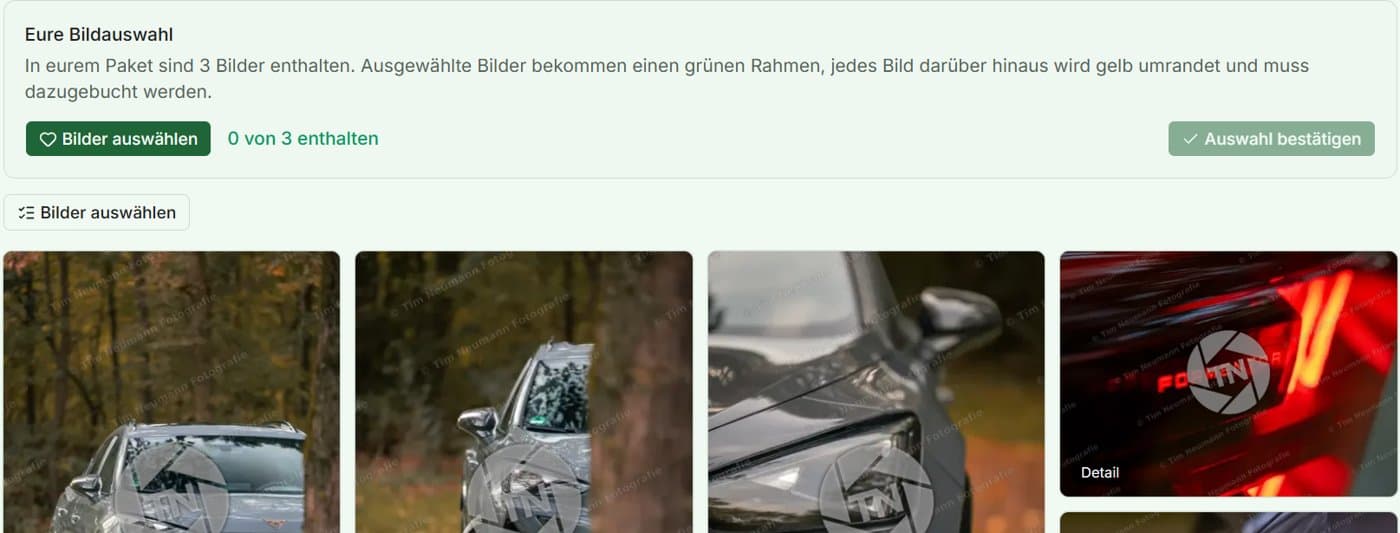
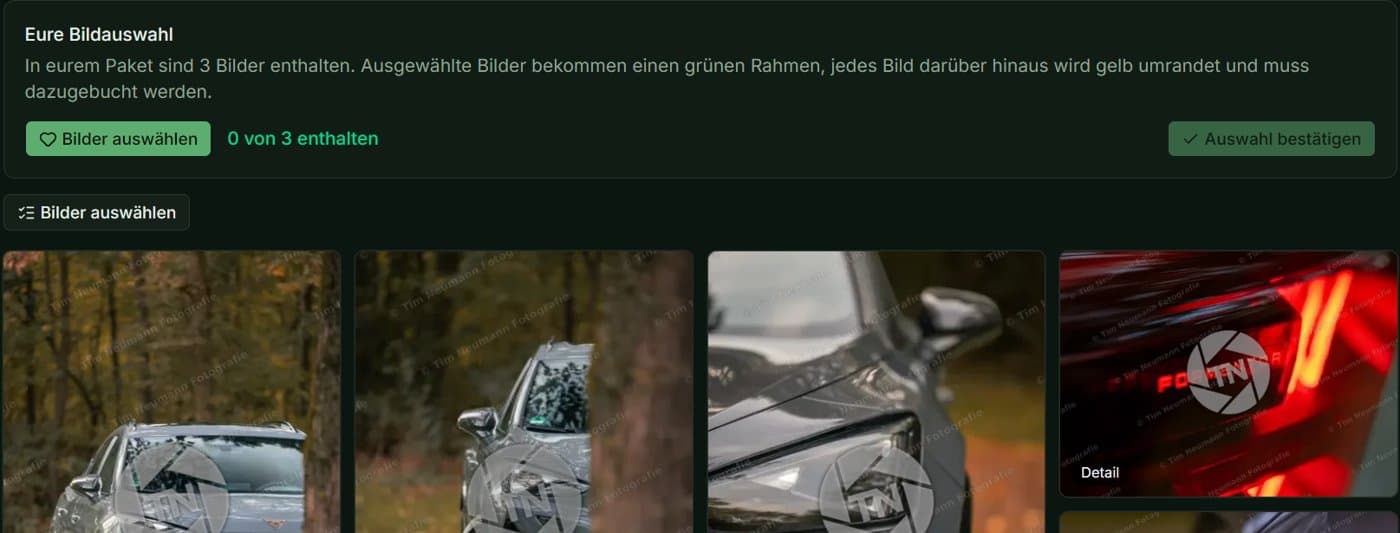
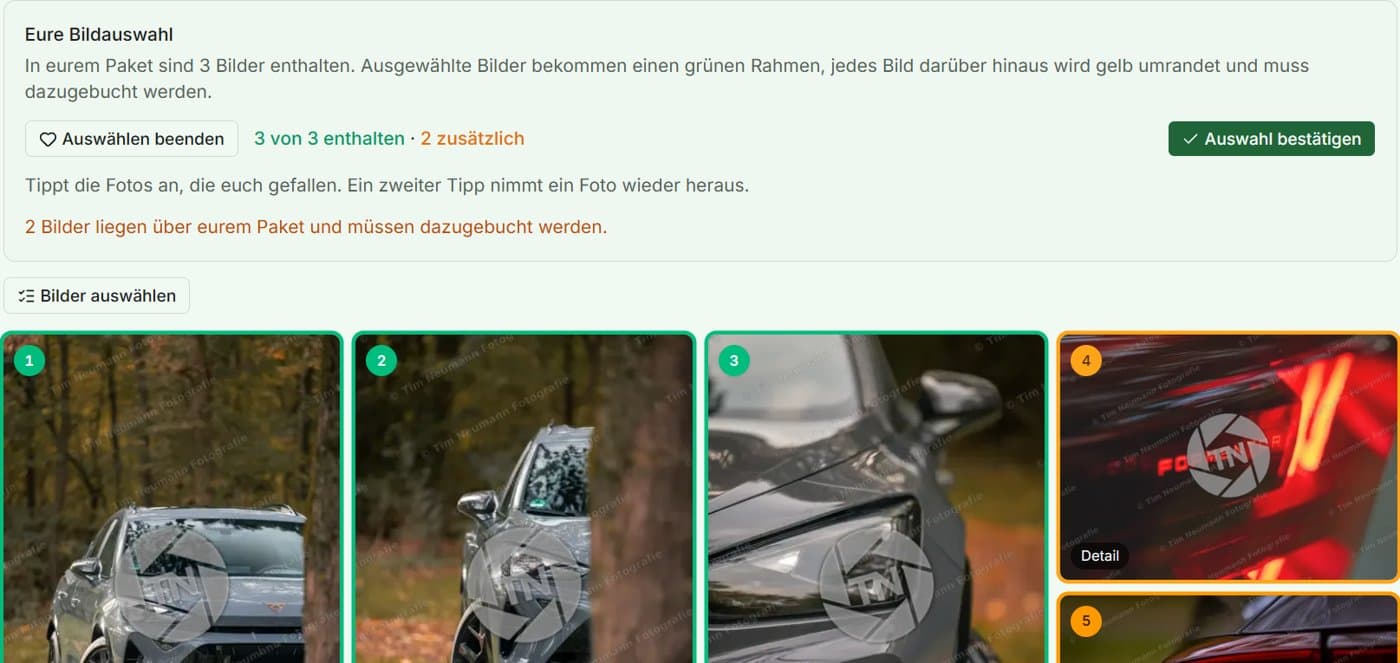
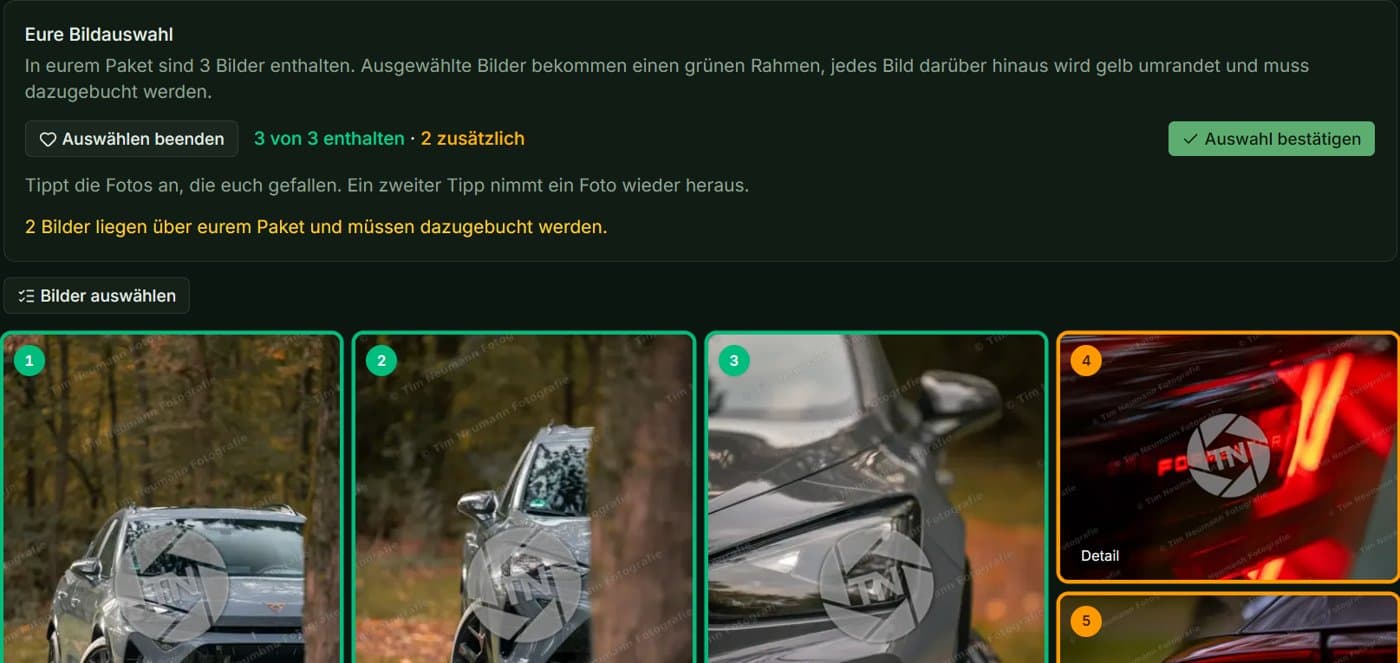
- 1Open the gallery with your access code. At the top, the “Your selection” panel shows how many photos are included in your package.
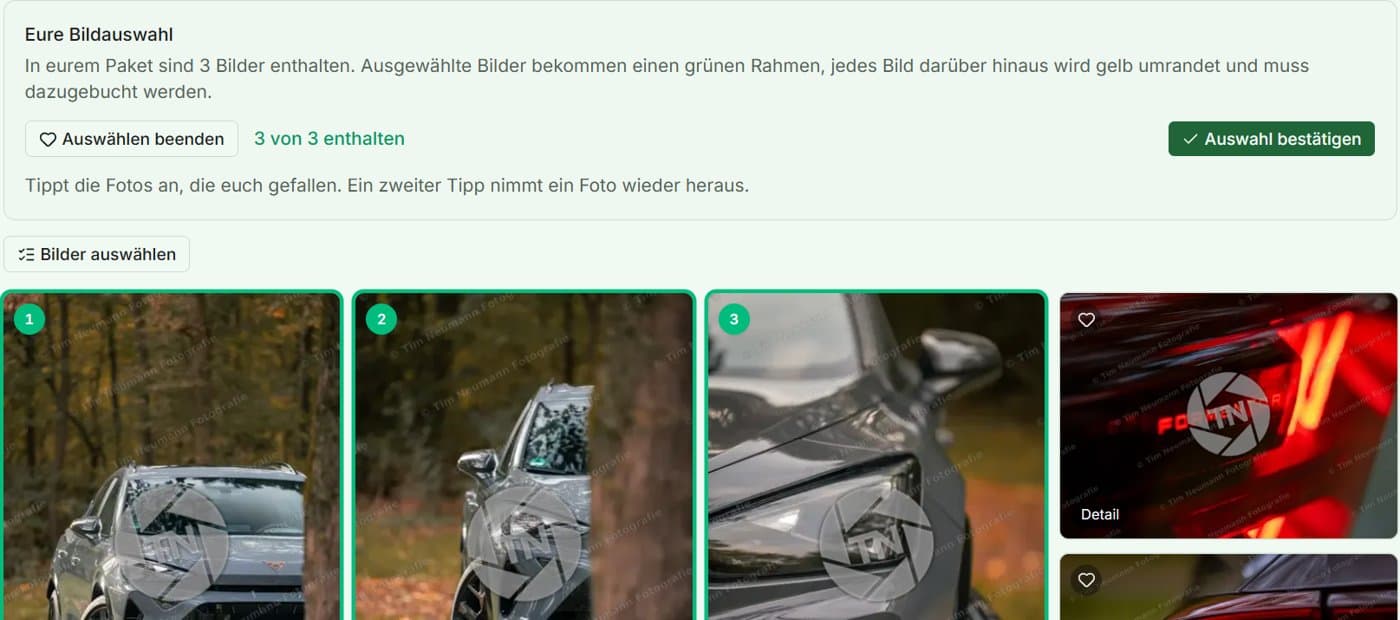
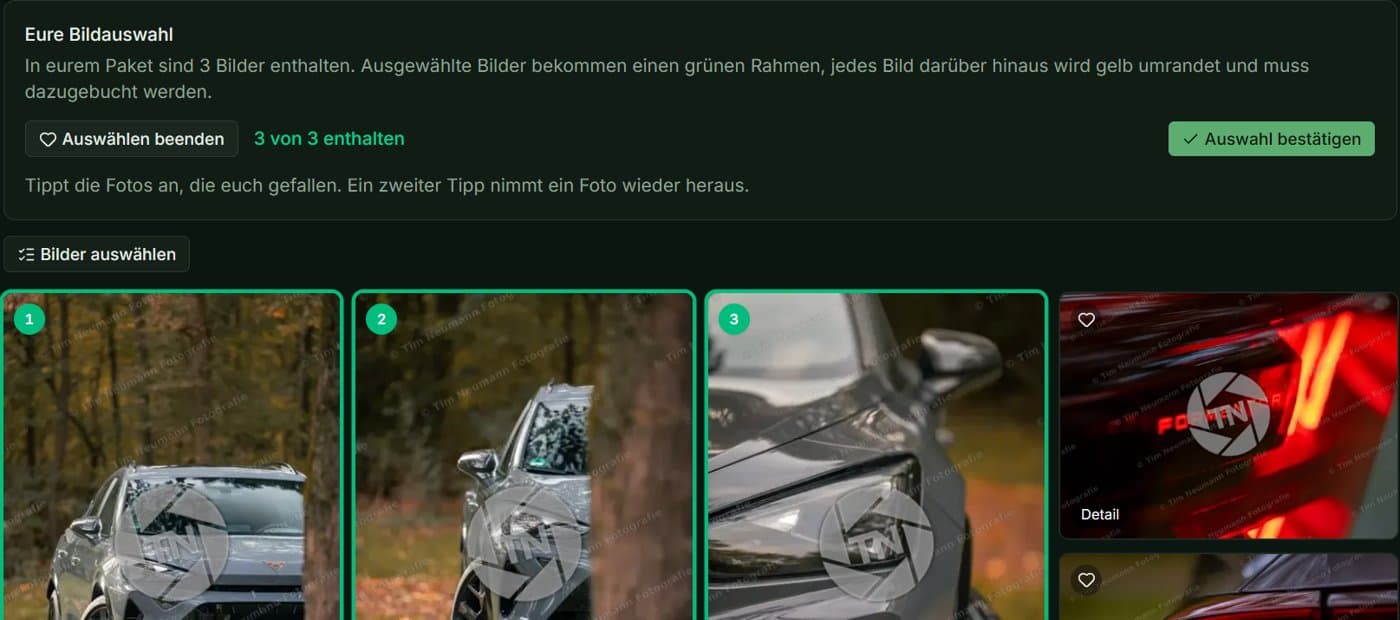
- 2Tap “Select photos”, then tap the photos you like. Each one gets a green frame and a number. A second tap removes it again.
- 3If you choose more photos than your package includes, the extra ones get a yellow frame. These can be booked as add-ons.
- 4Tap “Confirm selection”. Your selection is sent to me, and I finish editing exactly those photos and release them without a watermark. Add-on photos are released after payment.
Every tap is saved instantly. Once you've sent your selection, I start editing. As long as I haven't started yet, you can change your selection and confirm again. After that it's no longer possible, so just get in touch with me.
Basics
Always included.
Access via QR code or access code
You open the gallery with your personal access code or by scanning the QR code. No account, no app, on your phone and your computer.
Overview of all photos
All photos from the shoot at a glance, in a clear gallery.
Sorted by categories
The photos are arranged in categories, for example by location or motif, so you quickly find what you are looking for.
Easy download
Download single photos or all finished photos at once as a ZIP. The photos come as JPG at 100 % quality.
No hidden costs
The gallery is part of every package. There are no fees for access or download.
Safe and private
The gallery is never public. Your private photos do not go through any third-party provider, they are stored on my own server.
Online for two weeks
After the photos are delivered the gallery stays online for two weeks. On request I extend it to up to two months.
Add-ons
Available to add.
Book additional photos
If you pick more photos than your package includes, the gallery marks them yellow. You can book them on top.
Extend availability to two months
By default the gallery is online for two weeks. For 29 € it stays available for up to two months.
Good to know
Frequently asked questions.
- Does the gallery cost extra?
- No. Your gallery with image selection is included in every package.
- How long does it stay online?
- Two weeks after the photos are delivered. For €29 it stays online for two months.
- What if I want more photos?
- If you choose more photos than your package includes, the gallery marks them yellow. They can be booked as extras.
- Who can see my photos?
- Only people with your access code. The gallery is never public.
Curious?
The gallery comes with every package. Take a look at the gallery or at the car packages.